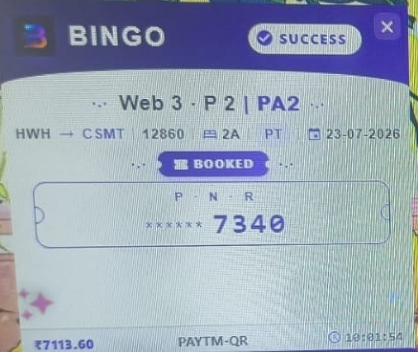
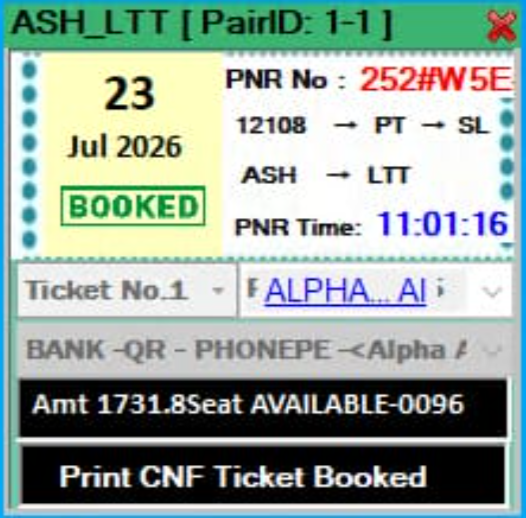
What is Bingo tatkal software?
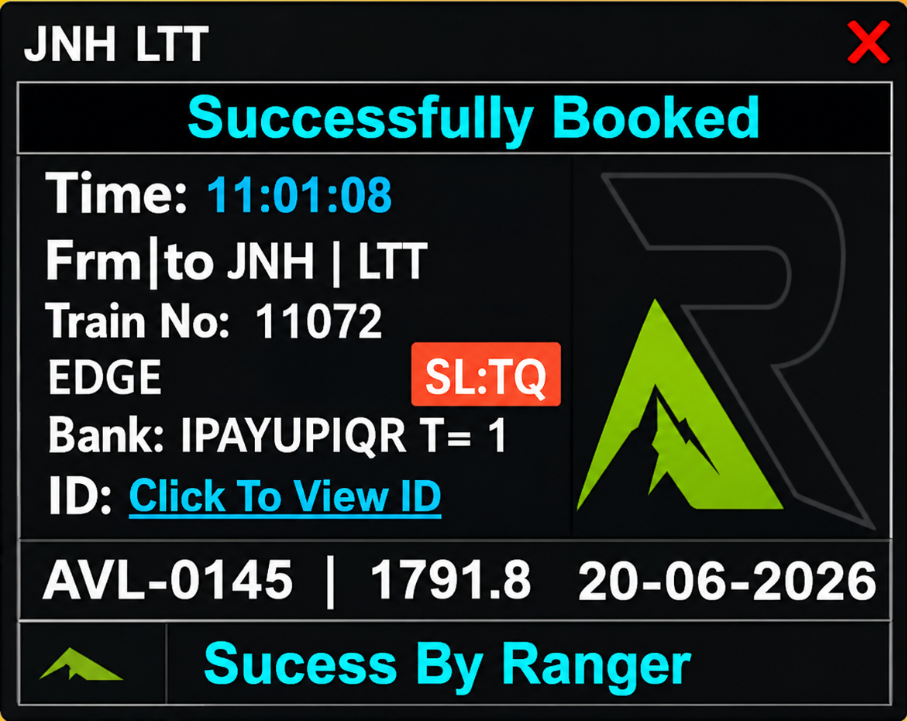
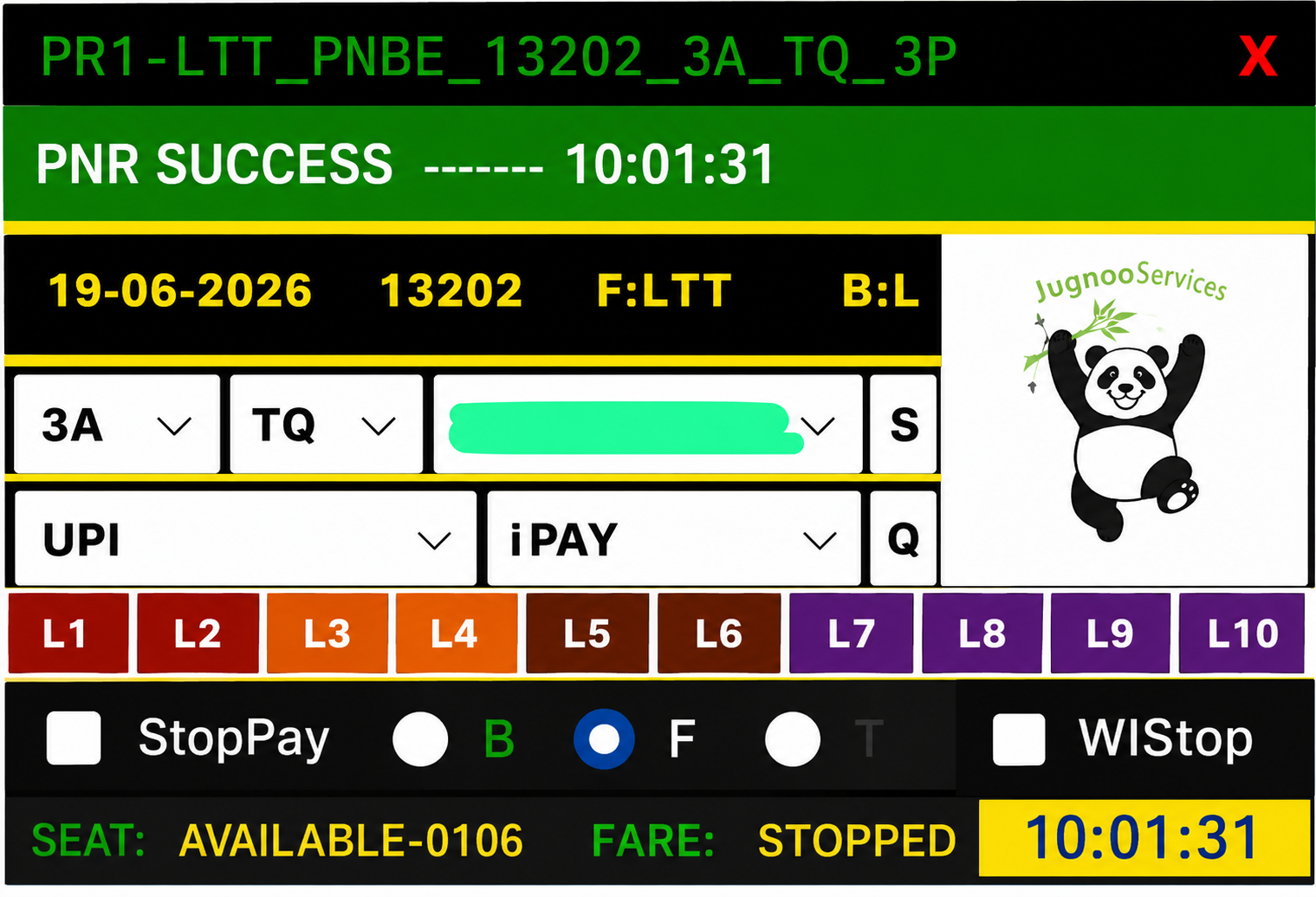
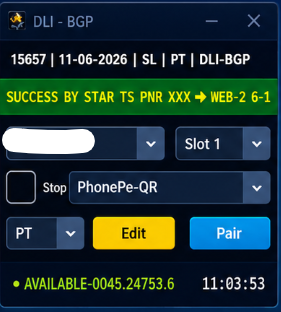
Bingo is third-party IRCTC tatkal booking software used during the AC (10:00 AM) and Sleeper (11:00 AM) windows. It is not an IRCTC product — you need a valid license key and a genuine IRCTC user login. Panels like Bingo help agents fill passenger forms faster, manage multiple IDs, and reduce manual clicking during the short tatkal open.
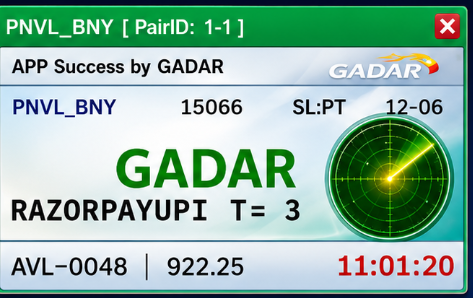
Gadar-family panel with Bingo branding — popular Navrlots-style workflow for agents who train on Bingo.
Customers who land on /bingo-tatkal-software usually already know the Bingo brand name from a trainer WhatsApp group, YouTube demo, or previous season. This page exists so Google and shoppers find a clear buy path on Tatkal World Software instead of informal broker chats with no order history.
Who should buy Bingo?
Buy Bingo if your office, mentor, or reseller customers already run this panel. Matching the brand your team knows means fewer install mistakes, familiar renew/reset menus, and shared troubleshooting tips.
If you are brand-new and have no trainer preference, read our Best Tatkal Software India 2026 and Black Turbo vs Gadar vs Hitman guides first — then return here only if Bingo is the panel you decided on.
- Resellers who sell Bingo keys to their own clients
- Agents migrating PC → VPS who need a fresh license or reset
- Offices standardising one panel name for training
- Buyers comparing Bingo stock and price before Paytm checkout
How to buy Bingo online at Tatkal World Software
Register, open the plan cards on this page (or shop search), pay with Paytm, then open My Account → Orders for your key and setup link. Keep your order number handy for WhatsApp support.
Live Bingo plans appear in the Available plans section when stocked. Combos with Windows VPS are listed on tatkal combo deals when available.
- Clean canonical URL: /bingo-tatkal-software
- Instant digital delivery when automation is configured
- Optional combo: software + Windows IRCTC RDP VPS
- Reset / renew tools on supported products
- WhatsApp support with order number
Bingo vs other tatkal panels
Bingo shares a similar panel family with Gadar. Buy Bingo if your trainer uses Bingo keys; otherwise see Gadar.
There is no universal “best” panel for every IRCTC ID. Black Turbo leads download-intent searches; Gadar and Bingo share a familiar family for many Navrlots-style offices; Xtreme has its own vendor UI; Hitman and Super-Man are popular with VPS combos. Use our comparison guides for context — then buy the panel your team already knows.
Avoid buying two unrelated panels “just because” unless you have time to test both on the same ID during off-peak hours. Training cost is real.
Run Bingo on IRCTC RDP VPS
A Windows VPS with Remote Desktop keeps Bingo online without your laptop. Connect via RDP, install the setup pack, enter your license key, and keep the panel ready for the morning tatkal window.
Recommended starting point for a single panel is 2–4 GB RAM Windows; multi-panel or heavy Chrome use often needs 8 GB. Browse VPS servers or tatkal combo deals for software + VPS packages on Tatkal World Software.
- Stable datacentre uptime vs home Wi-Fi drops
- Access the same Bingo desktop from phone or laptop
- Separate VPS per client ID for reseller workflows
- Pair with IRCTC ID and proxy products when needed
Honest limits — what Bingo cannot do
Bingo cannot guarantee a confirmed tatkal ticket. IRCTC quota, server load, captcha, payment gateway speed, and ID quality decide outcomes. Anyone promising “100% confirm” is not being honest.
Tatkal World Software delivers the license/setup commerce path: tracked Paytm orders, My Account keys, and WhatsApp help for install and reset. We are an independent reseller — not affiliated with IRCTC.