Gadar vs Panda — which tatkal software is better?
Gadar vs Panda is the most common comparison question in Indian tatkal groups. Both are third-party booking panels — not official IRCTC apps. Neither guarantees a confirmed ticket; both need a valid IRCTC login and stable internet during the tatkal window.
On Tatkal World Software you can buy both Gadar and Panda licenses online with the same Paytm checkout and My Account delivery. Many agents buy one of each to test during off-peak hours before committing for tatkal season.
This page is for agents who already narrowed the choice to Gadar or Panda (or want both). If you are comparing Black Turbo or Hitman as well, use our Black Turbo vs Gadar vs Hitman and Best Tatkal Software India 2026 guides first.
When to choose Gadar
Gadar wins when your trainer, reseller network, or existing customer base already says “Gadar key”. Familiar UI and renew/reset habits matter more than marketing claims during the 10 AM / 11 AM rush.
- You or your customers already use Gadar / gadar panel
- You want Navrlots-style create key + super pay renew flow
- Your resellers ask for Gadar by name on WhatsApp
- You need Gadar + VPS combo from one shop
- Your office documentation and screenshots are Gadar-based
When to choose Panda
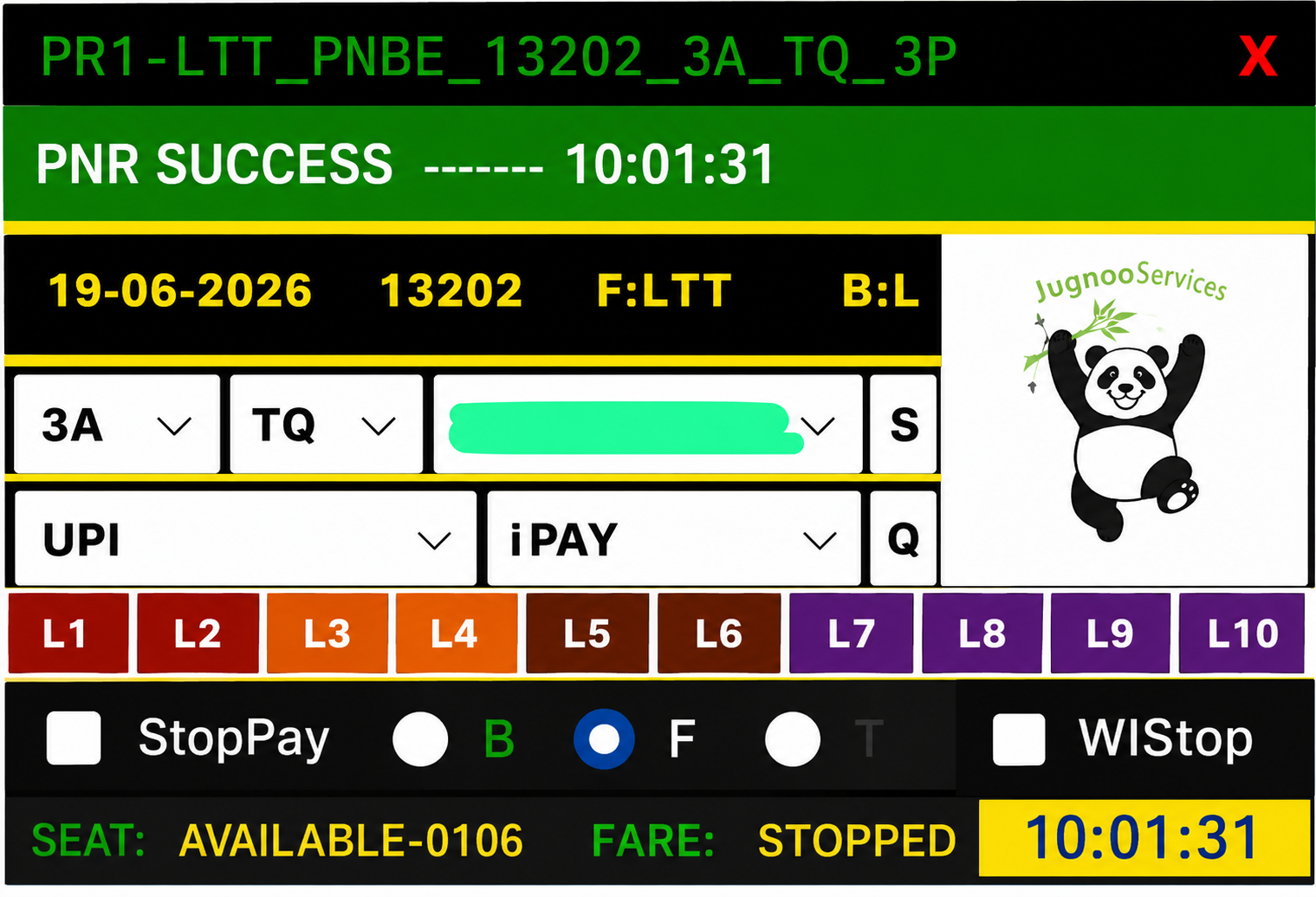
Panda (PandaTS) wins when your team already trained on that panel UI. Switching to Gadar “because someone said it is faster” often backfires if your IDs and macros were built around Panda.
- You prefer PandaTS panel UI and workflow
- You are comparing speed vs Gadar on your IRCTC IDs
- Your team trained on Panda already
- Resellers in your network standardised on Panda
- You want a beginner-friendly entry among popular panels
Side-by-side: what actually differs
Both panels aim to speed IRCTC tatkal form fill. Differences agents notice in practice are UI layout, key creation / renew menus, reset rules, and how their trainer taught the workflow — not magical confirmation rates.
Treat vendor marketing carefully. Run both on the same IRCTC ID during practice hours if you can afford two 30-day licenses for one month of testing.
- License cycle: typically monthly for both
- Delivery at Tatkal World Software: Paytm → My Account key
- VPS: both run on Windows IRCTC RDP
- Support: WhatsApp with order number for install/reset
- Outcome: still limited by IRCTC quota and ID quality
Price and validity
Both panels typically sell on 30-day license cycles. Compare live prices on our shop — sale prices change. Factor in reset needs (changing PC/VPS) and renew cost before tatkal month ends.
Budget tip: a cheap key that your team cannot operate is more expensive than the panel your trainer already supports.
Gadar or Panda on VPS
Either panel benefits from Windows RDP VPS for uptime. Install on the VPS, enter the license, and keep the session ready for morning tatkal. See VPS servers, IRCTC RDP, and tatkal combo deals on Tatkal World Software.
Our recommendation
There is no universal winner. Choose the panel your IDs and workflow already support. If starting fresh, buy the one your mentor or reseller group recommends — or purchase both for one month and compare on the same IRCTC ID during practice runs.
Add Windows VPS if you book from multiple locations or need 24/7 uptime. Add Aadhar verified IRCTC ID from our IRCTC ID buy online page if you need ready logins.
Ready to buy? Open the Gadar landing or Panda landing, or add both to cart and pay once with Paytm.