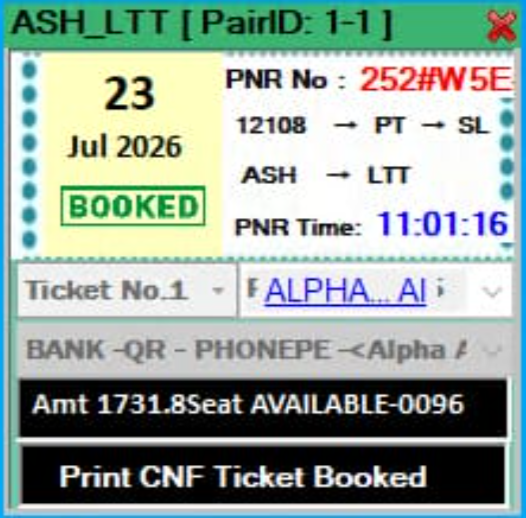
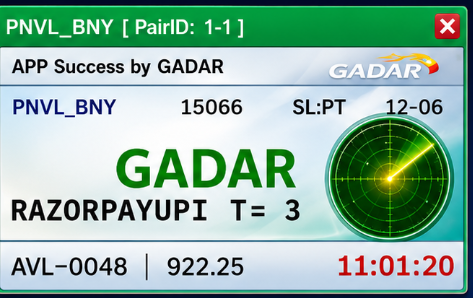
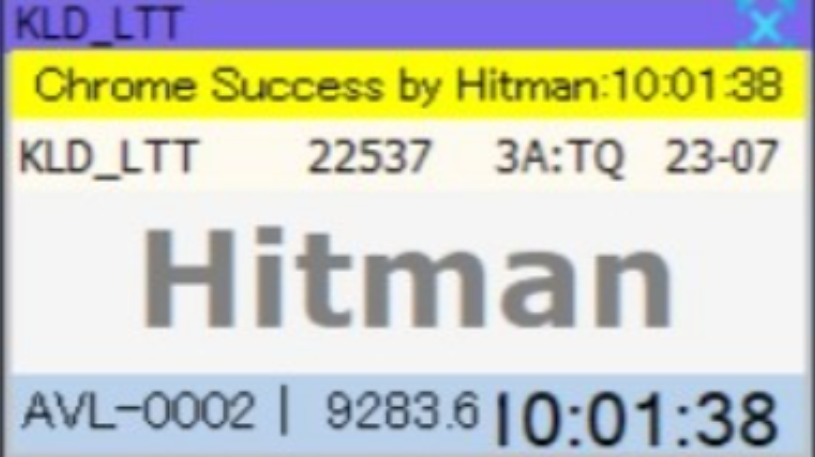
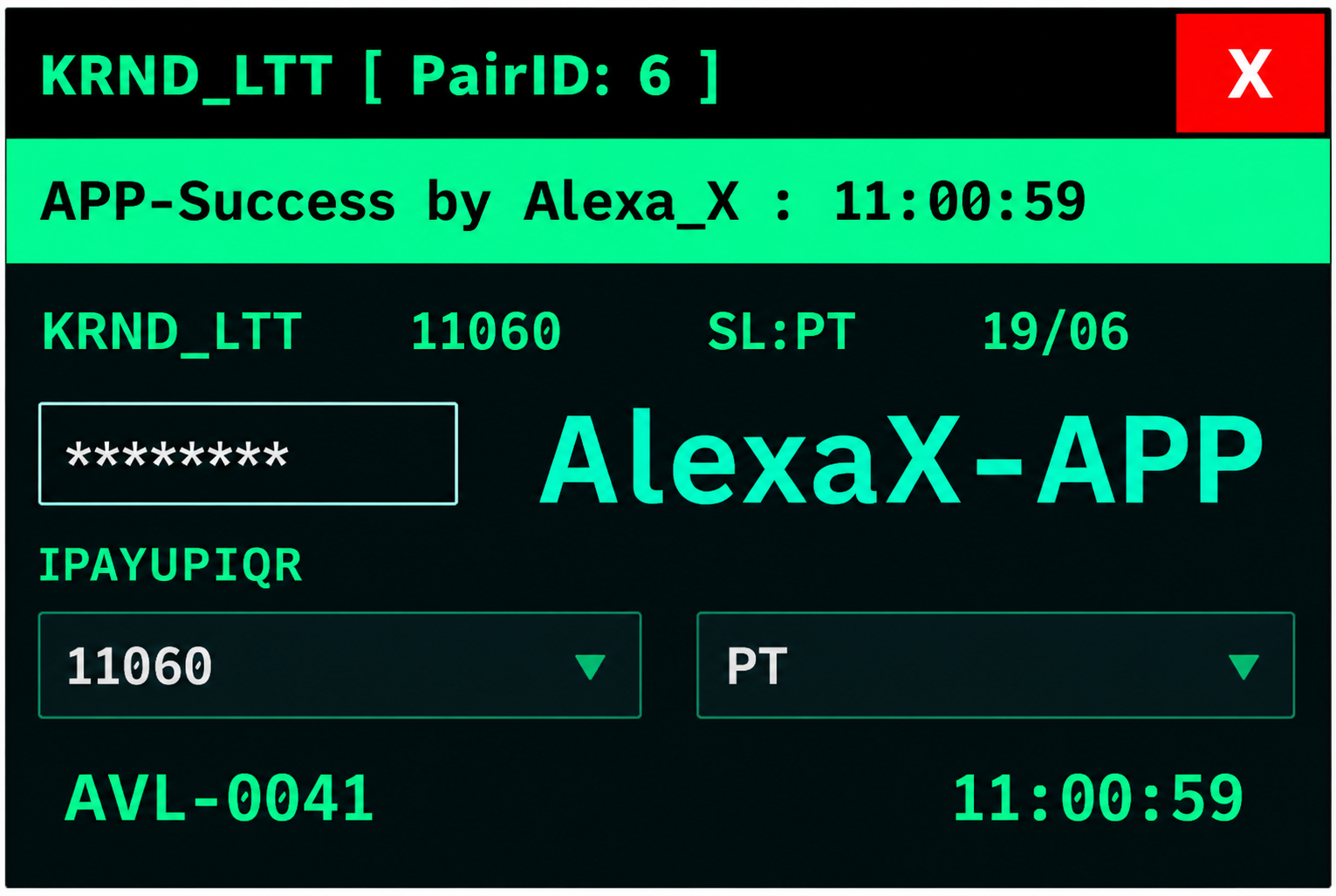
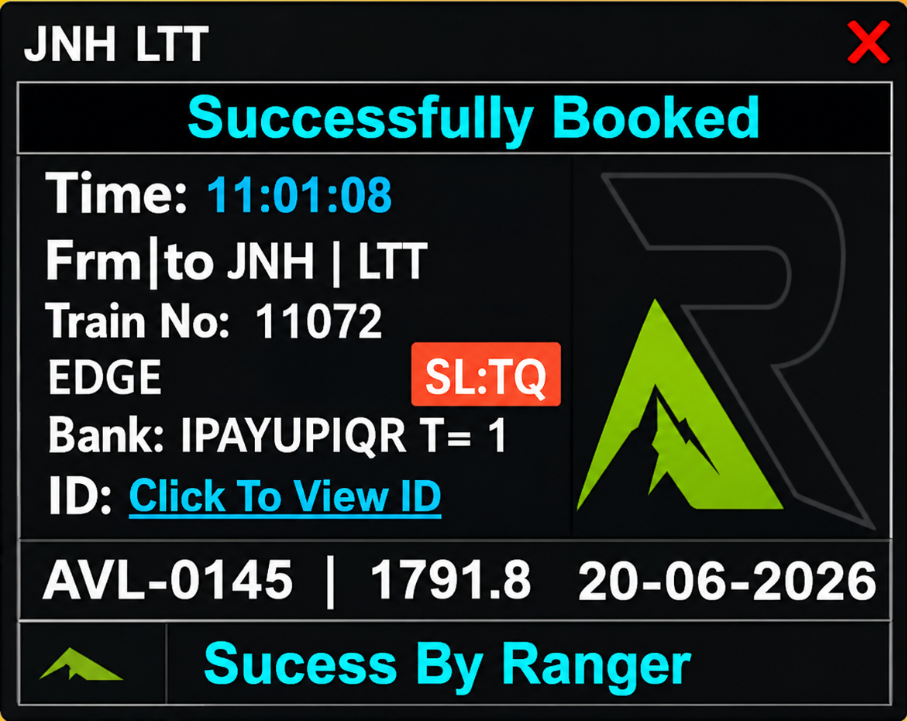
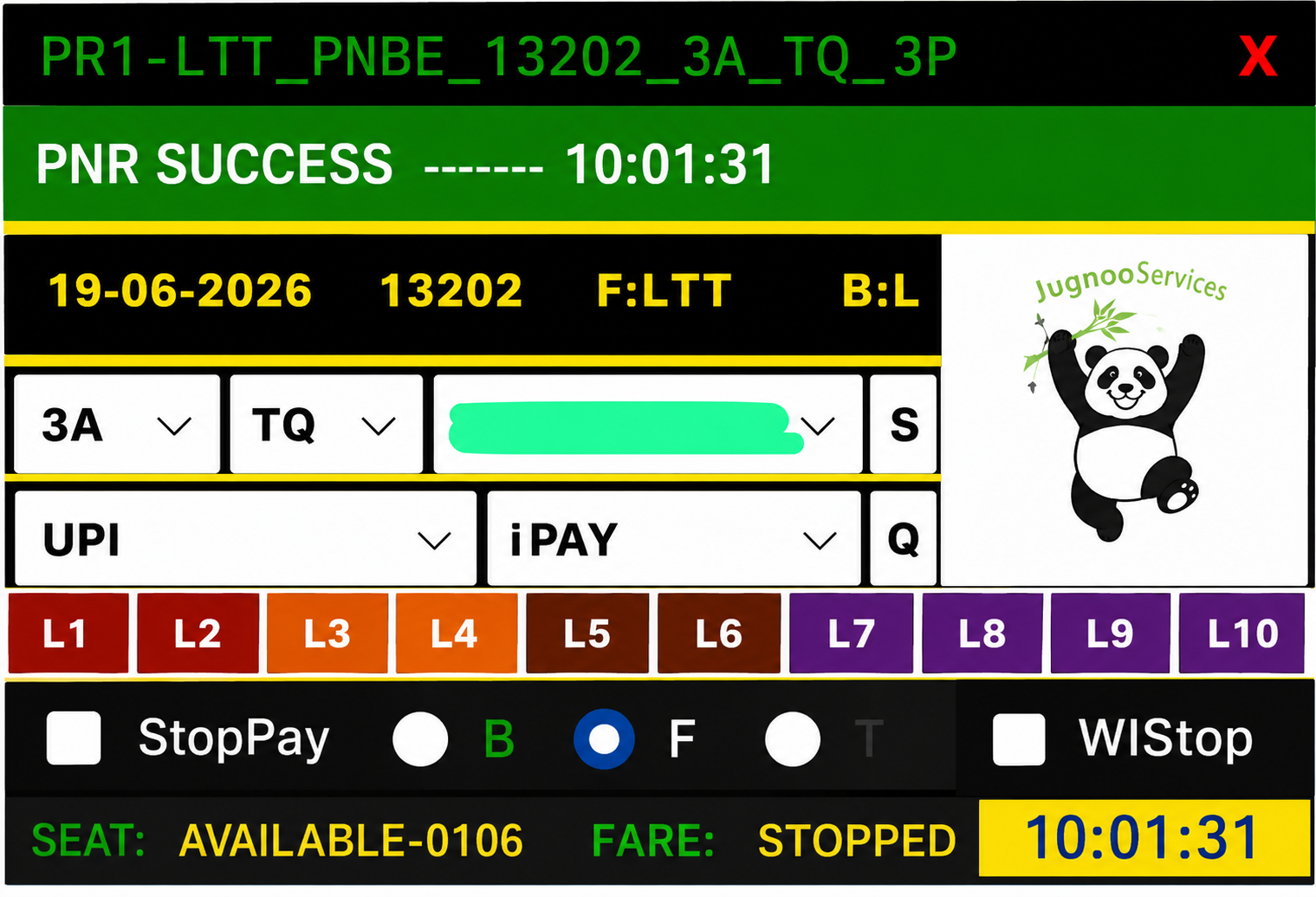
What is Gadar tatkal software?
Gadar (also searched as Gadar panel, Gadar TS, or Gadar software download) is tatkal booking software used with IRCTC during the early-morning tatkal ticket window. You need a valid seller-panel license key — we sell and deliver that key automatically after you pay online on Tatkal World Software.
Unlike buying through random chat brokers, our shop gives you order tracking, My Account license history, setup download, and supported reset/renew so you are not stuck when you change PC or when validity ends.
Gadar software download & license — what you get
When people search “Gadar download” or “Gadar software download”, they usually need two things: (1) the official license key and (2) the Windows setup pack. After you buy on this page, both are linked from your order in My Account.
- Official Gadar license key (auto-delivered after payment)
- Setup / install pack for Windows
- Reset license when moving to a new PC
- Renew before expiry to extend panel validity
- WhatsApp support for delivery or login issues
How to buy Gadar online (step by step)
- Register a free account on Tatkal World Software.
- Select a Gadar plan from the price cards on this page.
- Complete Paytm / UPI payment at checkout.
- Open My Account → Orders for license key + setup download.
- Optional: add IRCTC RDP VPS or verified IRCTC ID as a combo for full agent setup.
Gadar vs Black Turbo vs Panda vs Hitman
There is no single “best” panel for every agent. Choose the software your team already knows, or the one matching your IRCTC ID workflow. Many agents keep Gadar as their primary panel and test Black Turbo or Hitman during off-peak hours.
Pick Gadar if…
You specifically searched Gadar / Gadar panel, your trainer uses Gadar, or your IRCTC IDs already run on the Gadar workflow.
Pick Black Turbo if…
You want our highest-traffic shop product. See Black Turbo tatkal software download page.
Pick Panda or Hitman if…
Your team prefers PandaTS or Hitman UI. Compare on Gadar vs Panda and Black Turbo vs Gadar vs Hitman.
Run Gadar on IRCTC RDP VPS
For 24/7 uptime during tatkal season, install Gadar on a Windows IRCTC RDP VPS instead of keeping your home PC online. Buy VPS from our IRCTC RDP page or choose a software + VPS combo deal.
After VPS assignment you get IP, username, and password in My Account — connect with Remote Desktop, install Gadar with your license key, and book from the server.
Gadar price in India
Gadar price depends on the plan (days/validity) shown in the product cards below. Prices are in INR, updated on this page, and paid once via Paytm/UPI — no hidden broker fee for standard online orders.
Gadar reset, renew & support
Reset: use when you change PC or need to re-bind the license. Renew: use when validity is ending so the panel extends without buying a brand-new key from scratch (when your plan supports renew).
Both actions are available from My Account on your delivered license. If a job fails, contact WhatsApp with your order number.